Interfaces that look finished
before you write a line.
Four complete Dear ImGui applications with their own typefaces, custom-drawn controls and layouts. Open the Visual Studio solution, press F5, and replace the demo data with yours.
Templates
Every screenshot on this site is a real frame rendered by the template you download.
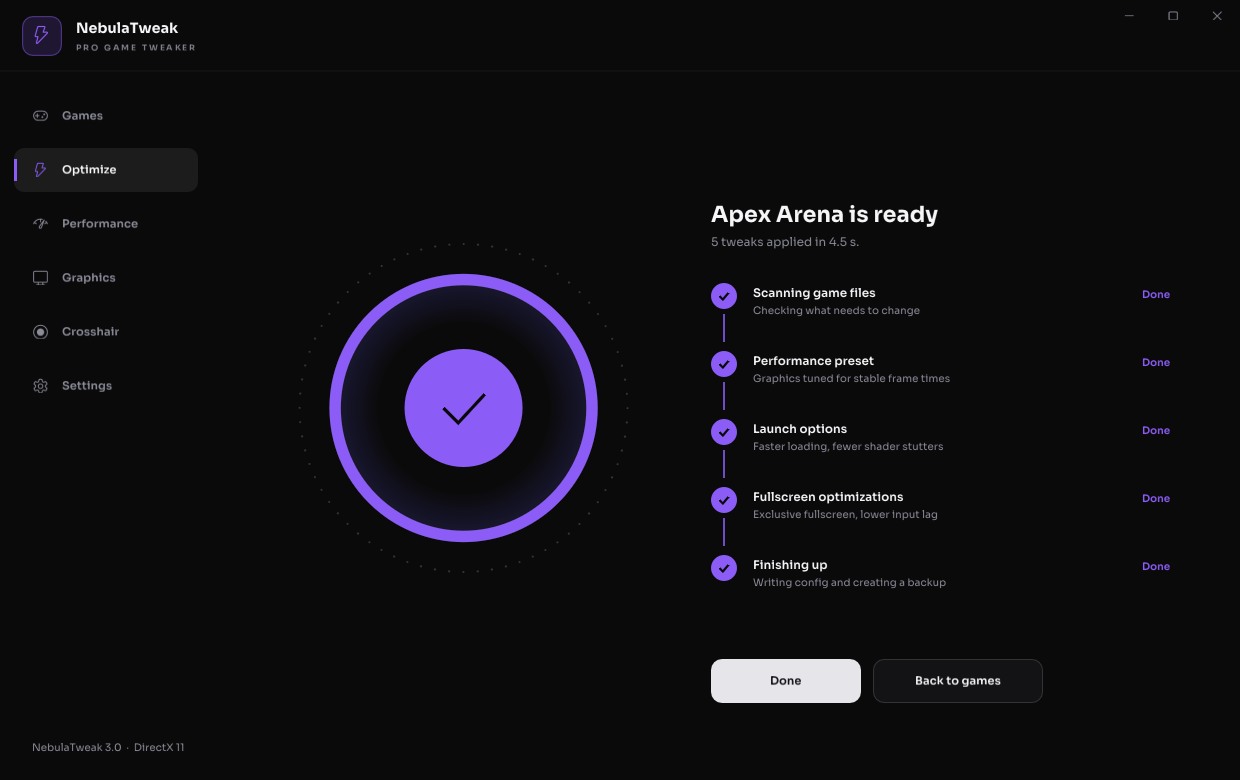
NebulaTweak
A focused game-tweaker interface: one-click optimize flow with a progress ring and step checklist, live performance, graphics tuning and a crosshair designer.
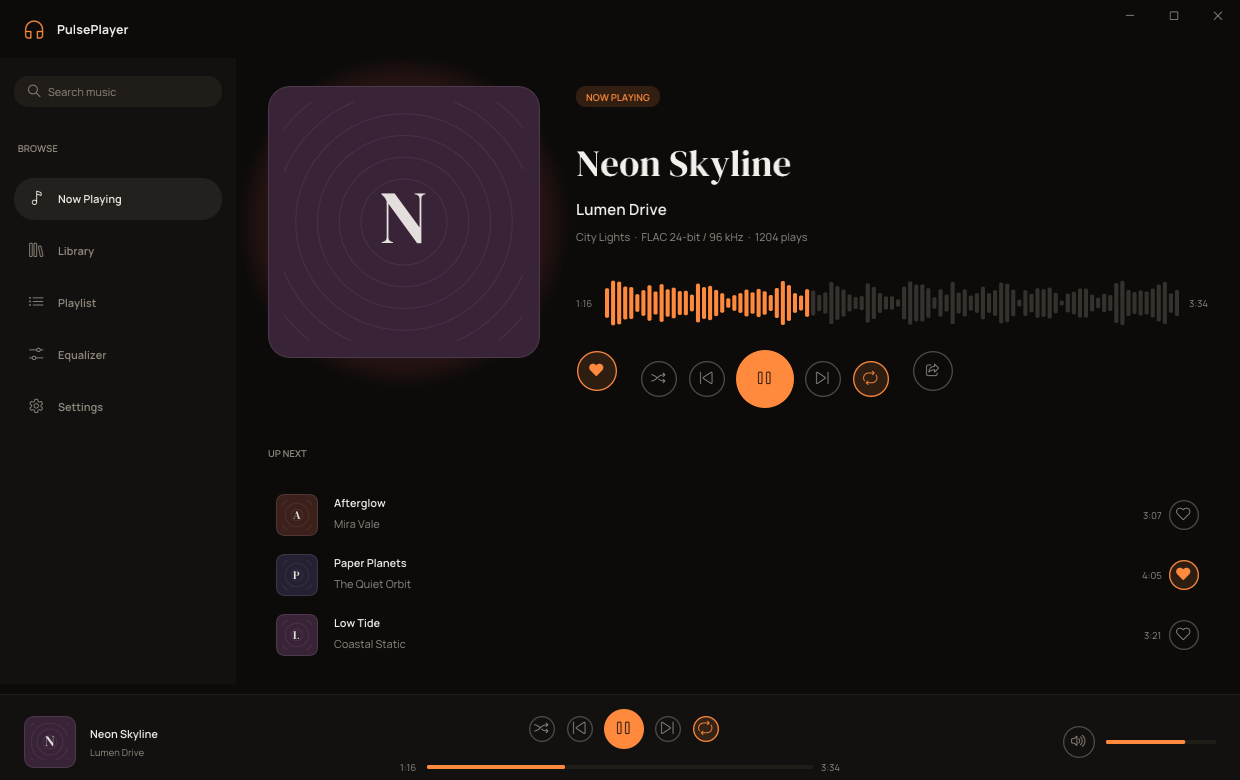
PulsePlayer
A warm hi-fi music player interface: serif track titles, waveform scrubber, playlist table, 10-band equalizer and a persistent player bar.
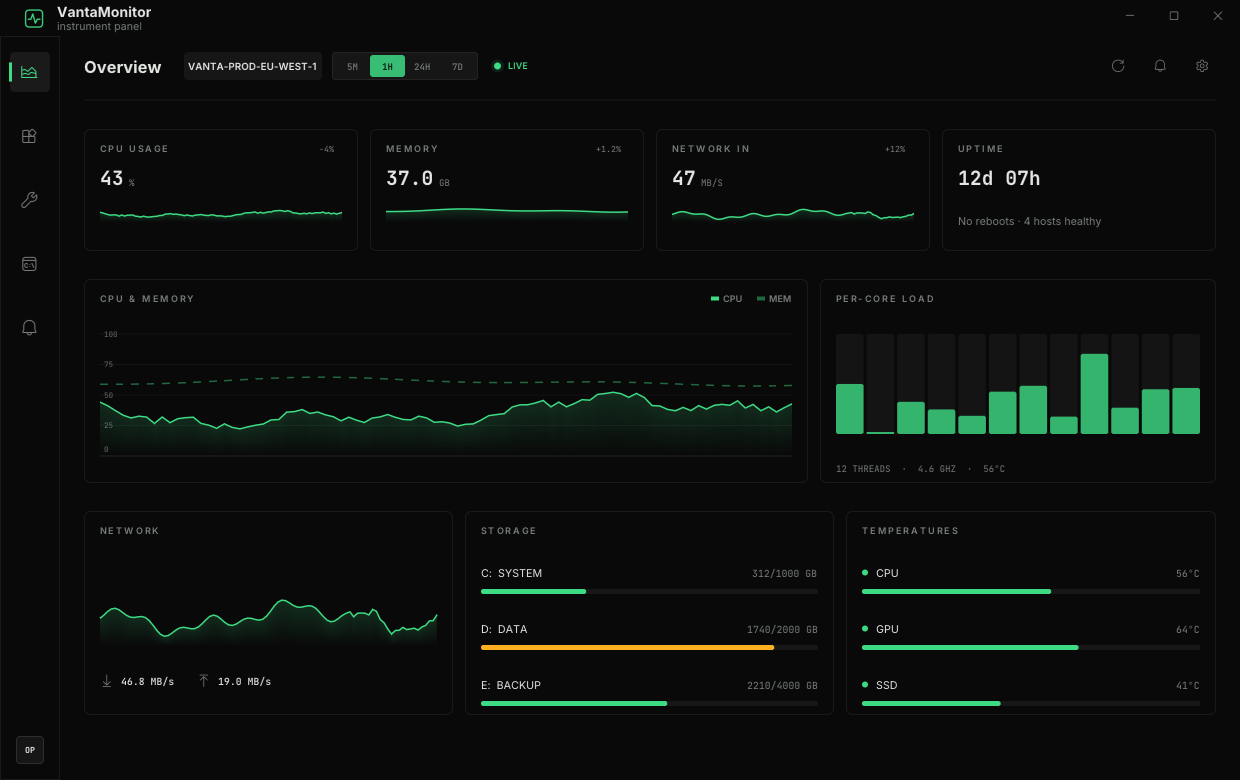
VantaMonitor
An instrument-panel dashboard for monitors, server panels and admin tools: hairline panels, mono numerals, live charts, process table and log console.
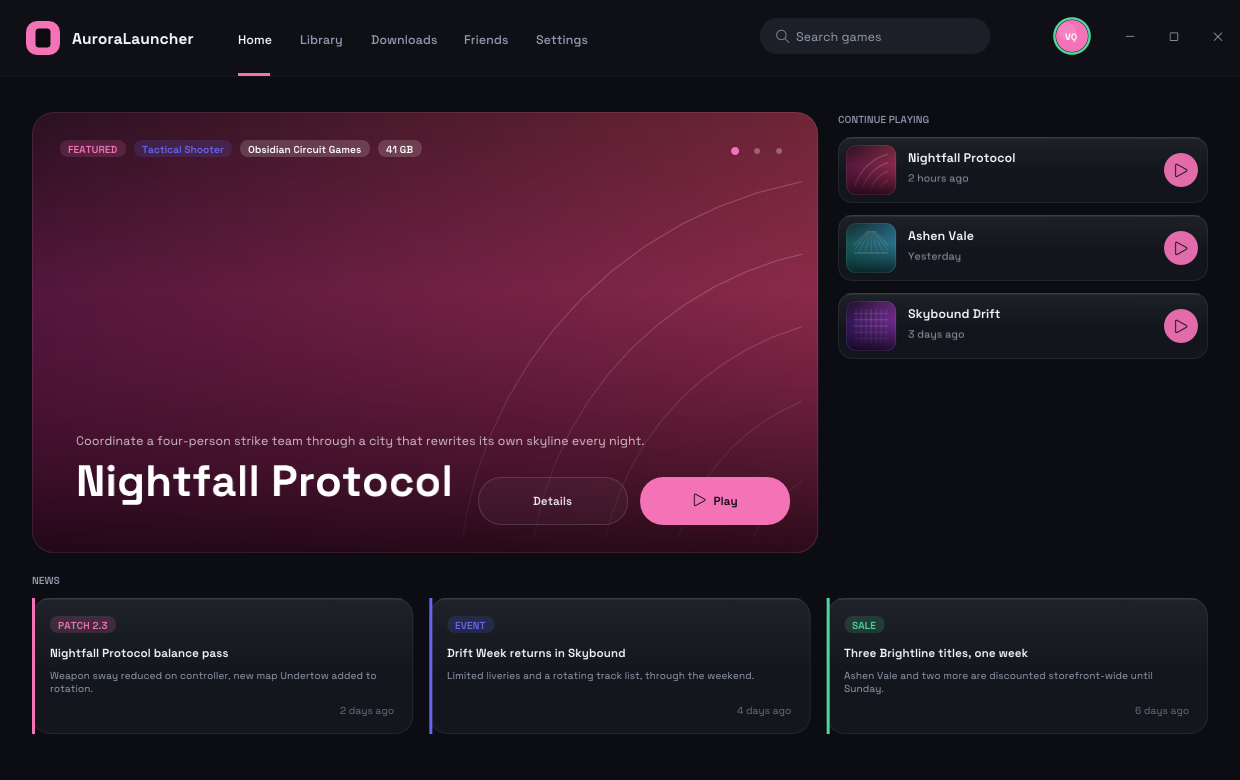
AuroraLauncher
A cinematic launcher interface with top navigation: hero banner, game library with install states, downloads manager, friends chat and a sign-in screen.
All four templates
Every current template in one download. $128 separately.
What you get
Two renderers, one UI codebase
Each solution has a DirectX 11 and a DirectX 12 project. Both call the same three functions, so your interface code is written once.
Custom-drawn controls
Buttons, toggles, sliders, segmented controls, dropdowns, charts and lists are drawn by the template, with hover, press and animated states.
Bundled open-license fonts
Each template ships its own typeface under the SIL Open Font License, loaded from an assets folder next to the exe.
Borderless window done right
Custom title bar with drag, resize borders, Aero snap, maximize handling, rounded corners on Windows 11 and DPI scaling.
Readable, hookable code
One state struct, one function per page, and marked hook points where your own logic plugs in. No dependencies beyond Dear ImGui and Win32.
Built-in screenshot mode
Run the DX11 build with --page=2 --shot=out.png to render any page to a PNG for your own store page or CI.
Add a page in a dozen lines
Pages are plain functions. Controls are one call each.
// src/app/app.cpp
static void PageMyTool()
{
    UI::Heading("My tool", "Anything you like");

    NT::BeginPanel("options", ImVec2(0, 0), "Options");
    NT::Toggle("Enable feature", &g_State.enabled);
    NT::Slider("Strength", &g_State.strength, 0, 100, "%.0f%%");
    if (NT::Button("Apply"))
        UI::Notify(UI::Toast_Success, "Applied", "Saved");
    NT::EndPanel();
}

// ...then register it:
{ ICON_PUZZLE, "My tool", PageMyTool },
Template/
Template.sln open this
Template_DX11.vcxproj
Template_DX12.vcxproj
src/
app/ your code
app.cpp state, pages, shell
widgets.h / .cpp the template's controls
app_config.h title, size
core/ window + renderer hosts
main_dx11.cpp
main_dx12.cpp
platform_win32.cpp
ui.h / ui.cpp
assets/fonts/ bundled OFL fonts
vendor/imgui/ Dear ImGui (MIT)
build.bat command-line buildControl names differ per template (each has its own widget set); the snippet shows the NebulaTweak API as an illustration.
FAQ
What do I need to build it?
Windows 10 or 11 and Visual Studio 2022 with the "Desktop development with C++" workload. Open the .sln, pick the DX11 or DX12 project, press F5.
Is this an overlay or does it hook into other programs?
No. Each template is a normal standalone Windows application with its own window. It contains interface code and demo data only; what the buttons do is up to the code you add.
Can I use it in a commercial product?
Yes. You may ship compiled applications built from a template in personal and commercial projects. You may not resell or redistribute the template source itself.
Which Dear ImGui version is included?
A recent Dear ImGui release (1.92+ font system) is vendored in each download together with the official Win32, DX11 and DX12 backends, so the solution builds with no extra downloads.
Does it scale on high-DPI displays?
Yes. The window is DPI aware and every size in the UI code goes through one scale function.
Are the screenshots real?
Yes. They are rendered by the templates' own screenshot mode, without mock-ups or retouching.